Virtual 3D tours and virtual realityShow people round your venue without being there.
A virtual reality tour at real scale, in a headset or from a simple link. Before construction, before opening, or from a distance.
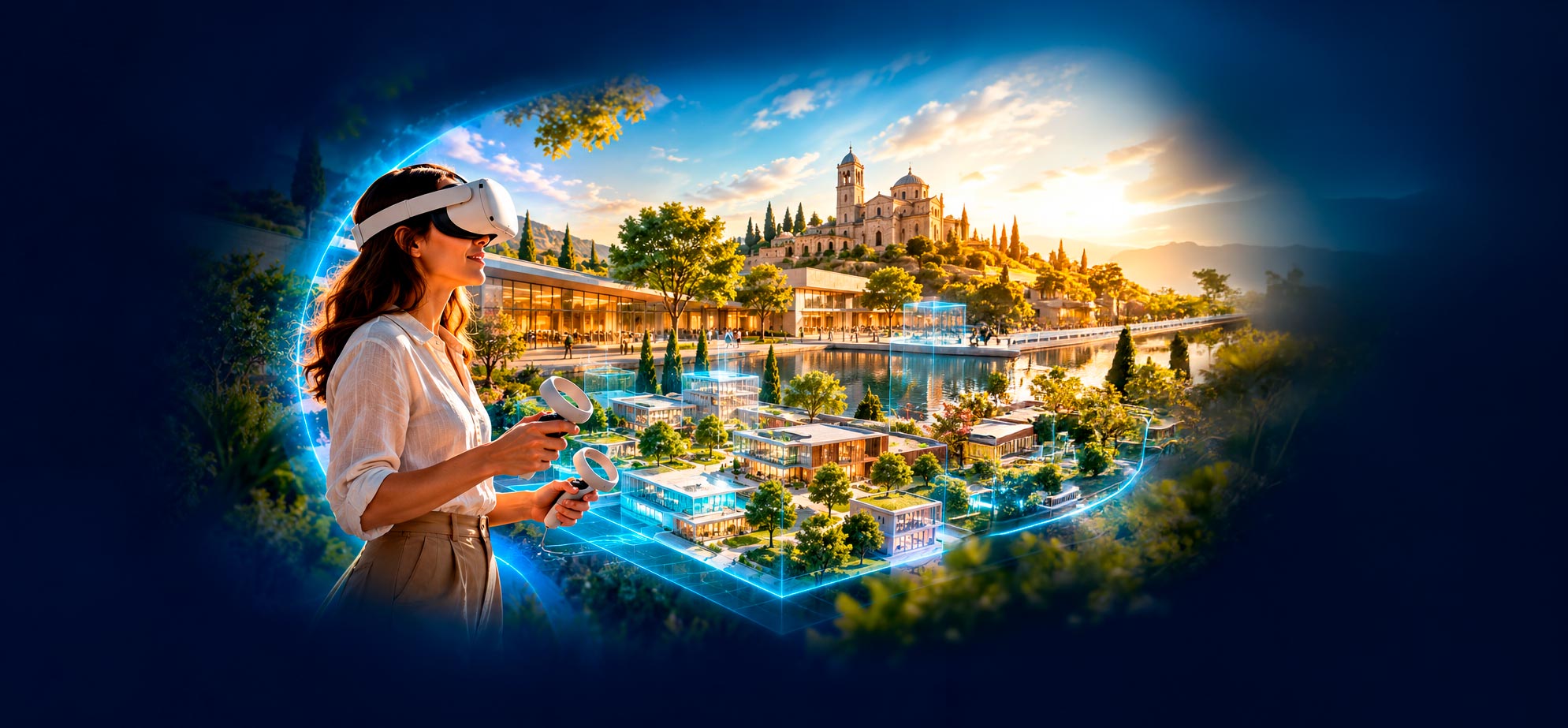
Inside the tour
How the tour works.
Visitors look around, choose where to go and change floors. A few buttons are all it takes, and a guide helps them get started.
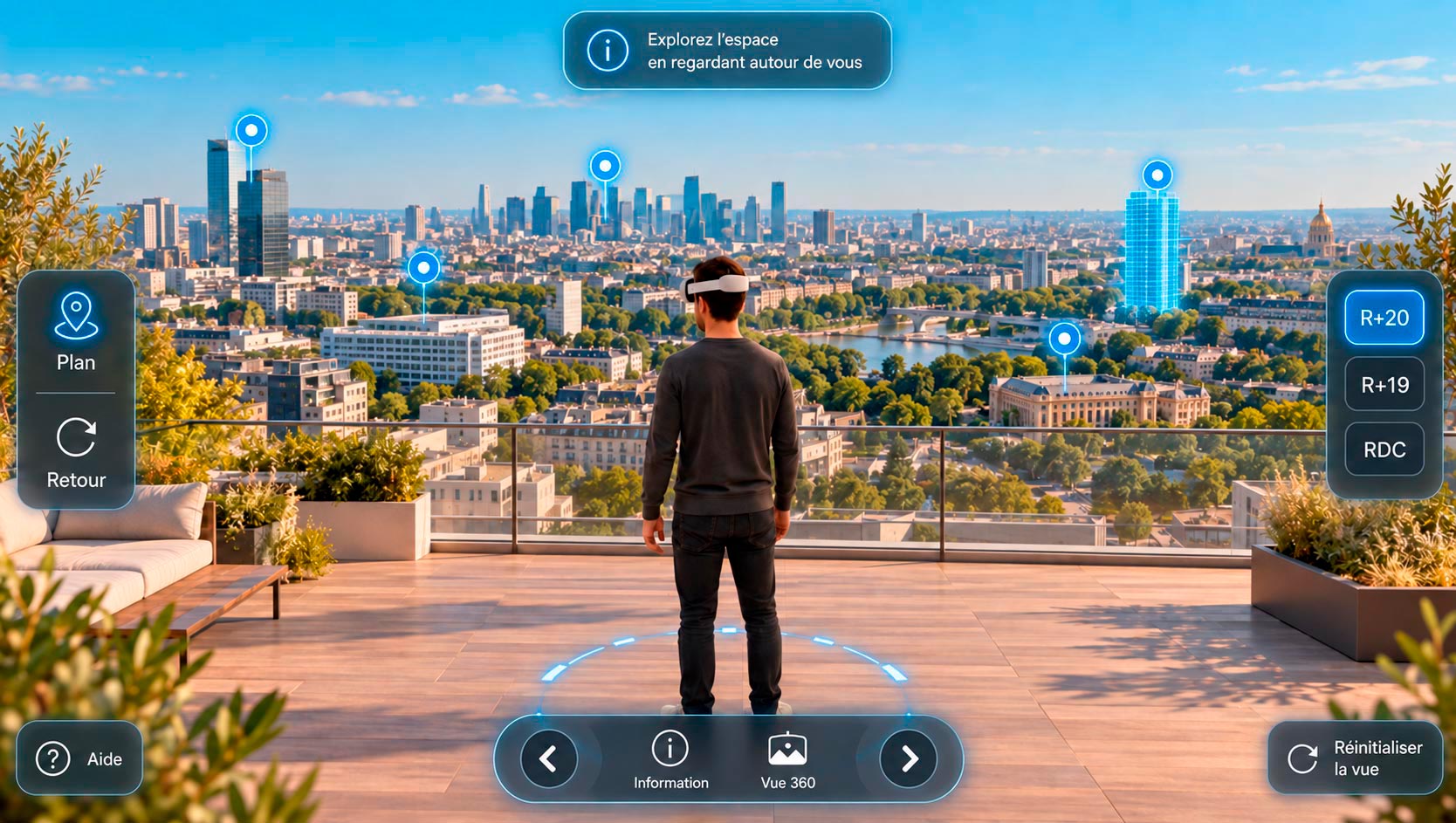
The real view, before ground is even broken.
From the future top floor, visitors see the panorama they will really have. One button takes them from the ground floor to the 20th.
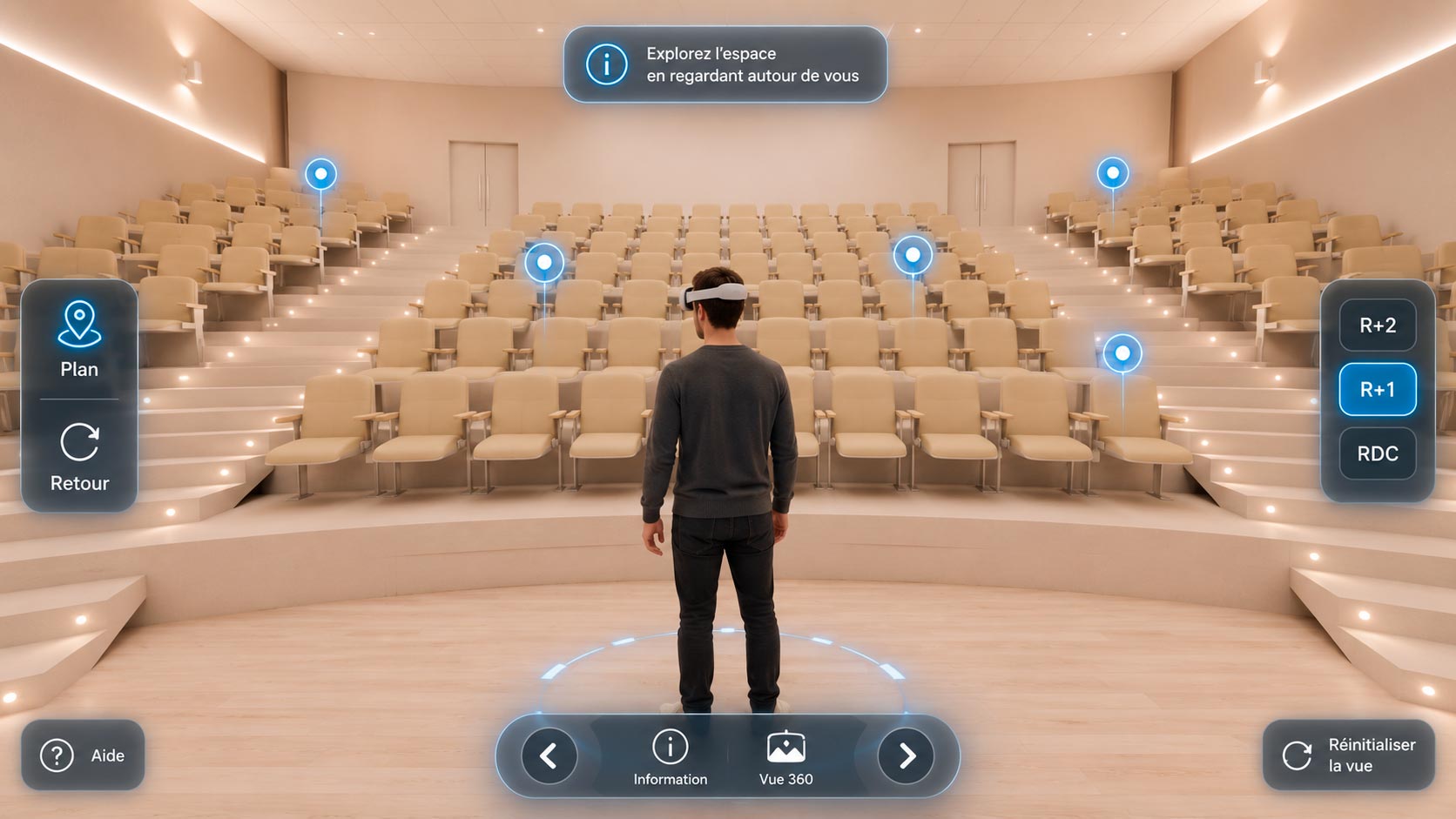
Every room, life-size.
You get a real feel for volumes, ceiling heights and flow. Markers open information or a 360° view at the chosen spot.
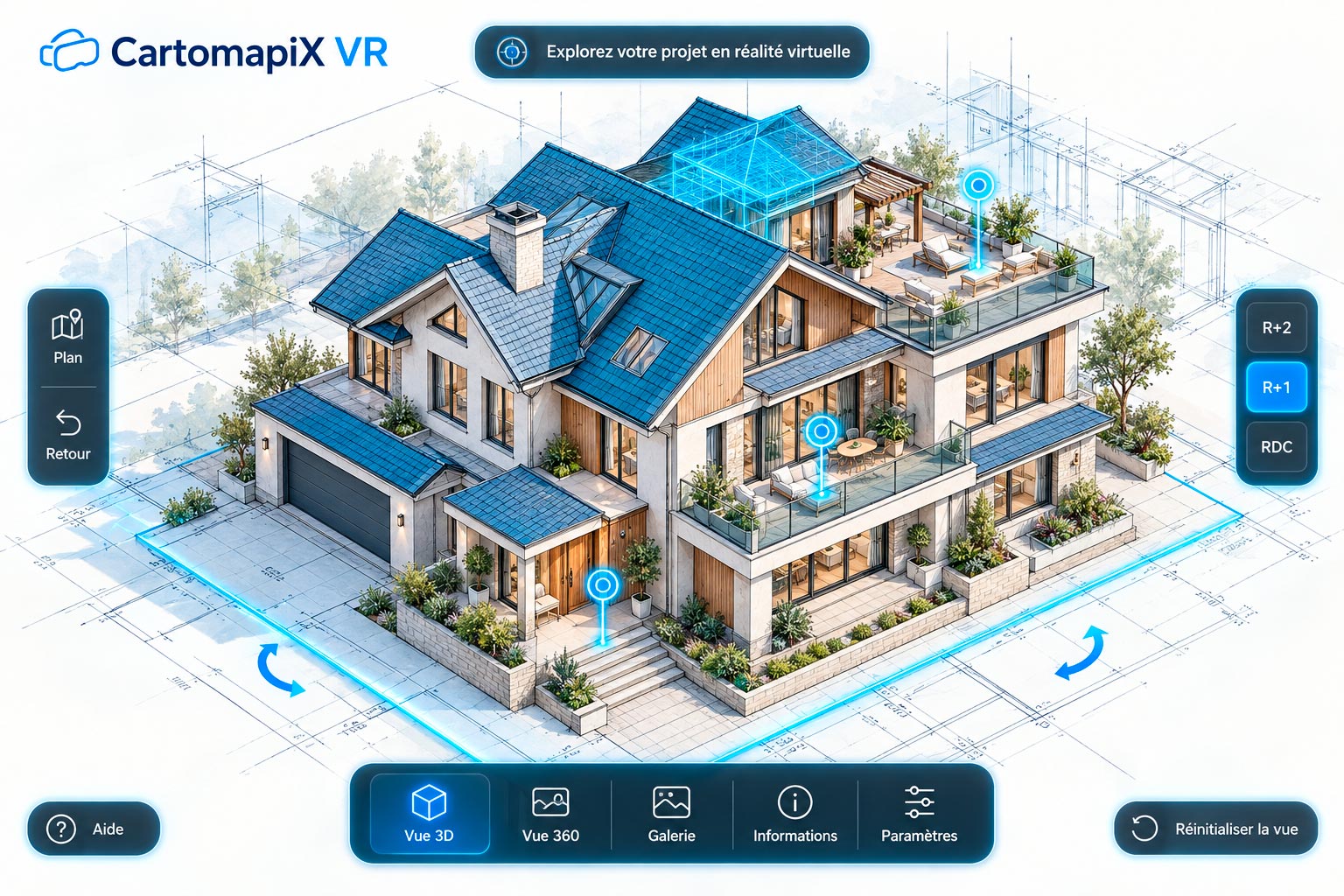
The whole project before your eyes.
The model rotates, opens up floor by floor and gives access to the 360° views, the gallery and the project information.
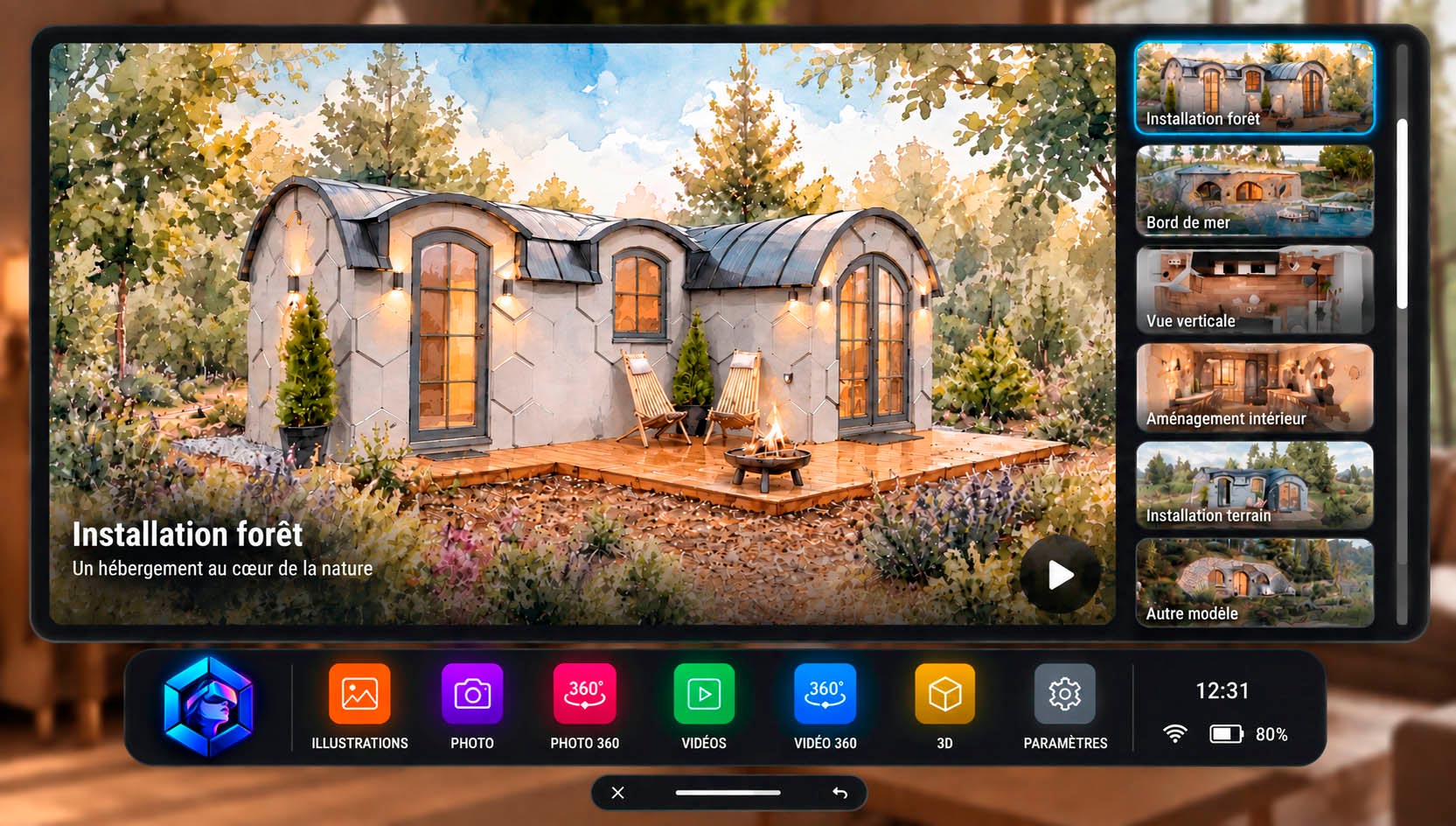
All your content in one place.
Illustrations, photos, 360° photos, videos and 3D models: visitors choose what they want to see from a single menu.
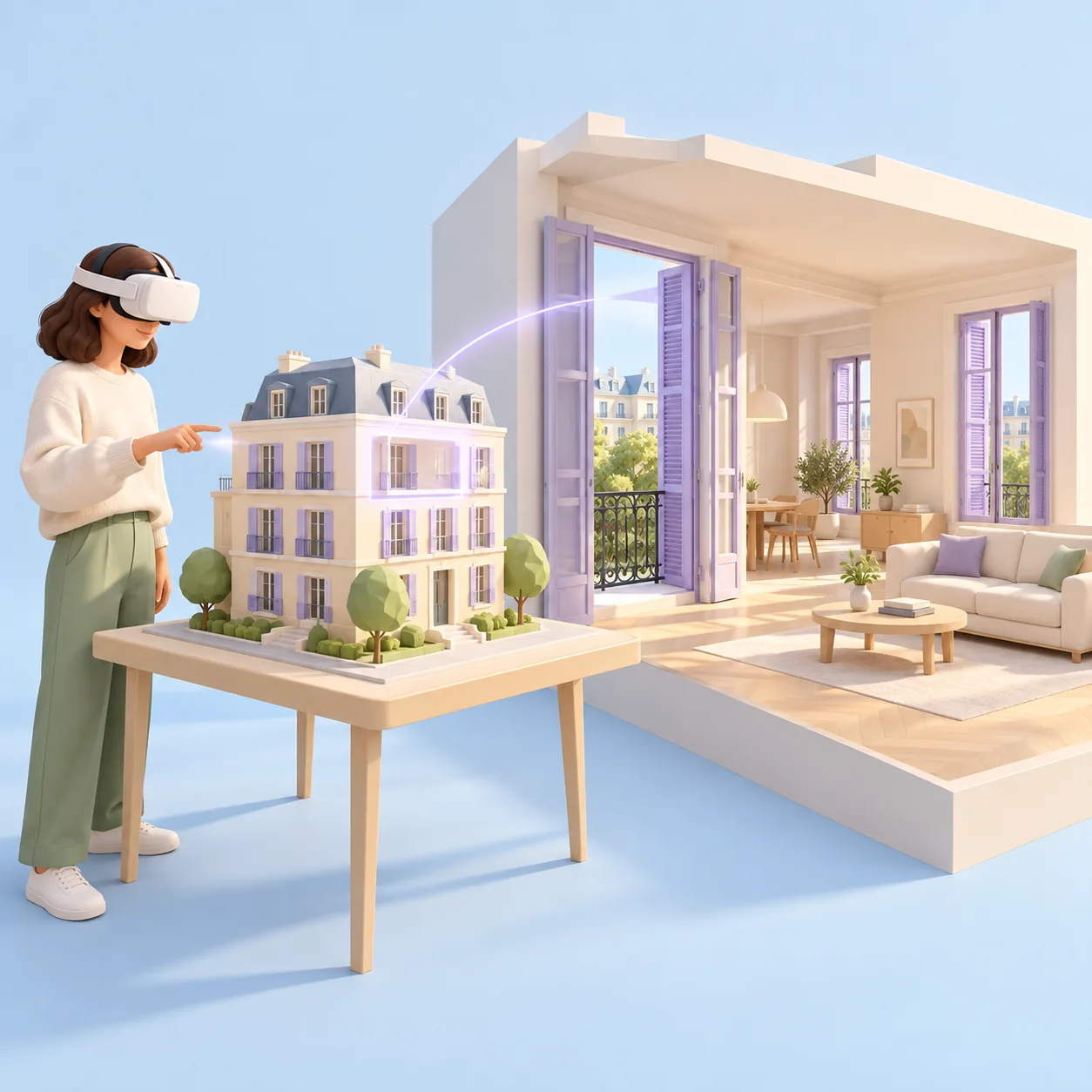
The idea
From model to immersion.
Visitors pick a building on the 3D model, then step inside to explore it life-size.
One gesture takes them from the overview to the inside of a home, without ever losing track of the project.
Good to know
Two ways to move around a tour.
Depending on your project, the tour combines spaces you can roam freely and 360° viewpoints.
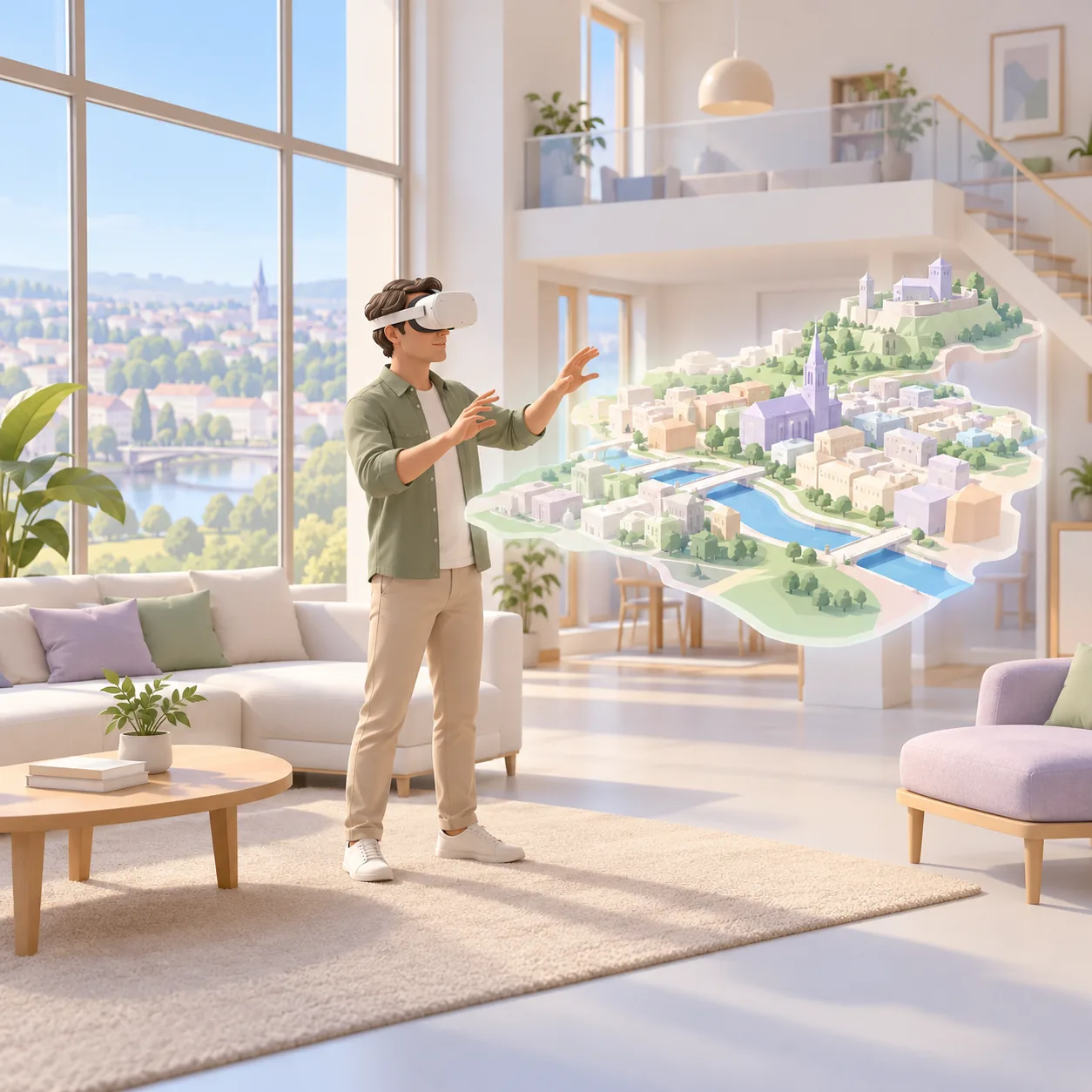
Free movement in 3D
In spaces modelled in 3D, visitors walk or teleport wherever they like, at real scale. This is how a project built from plans works.
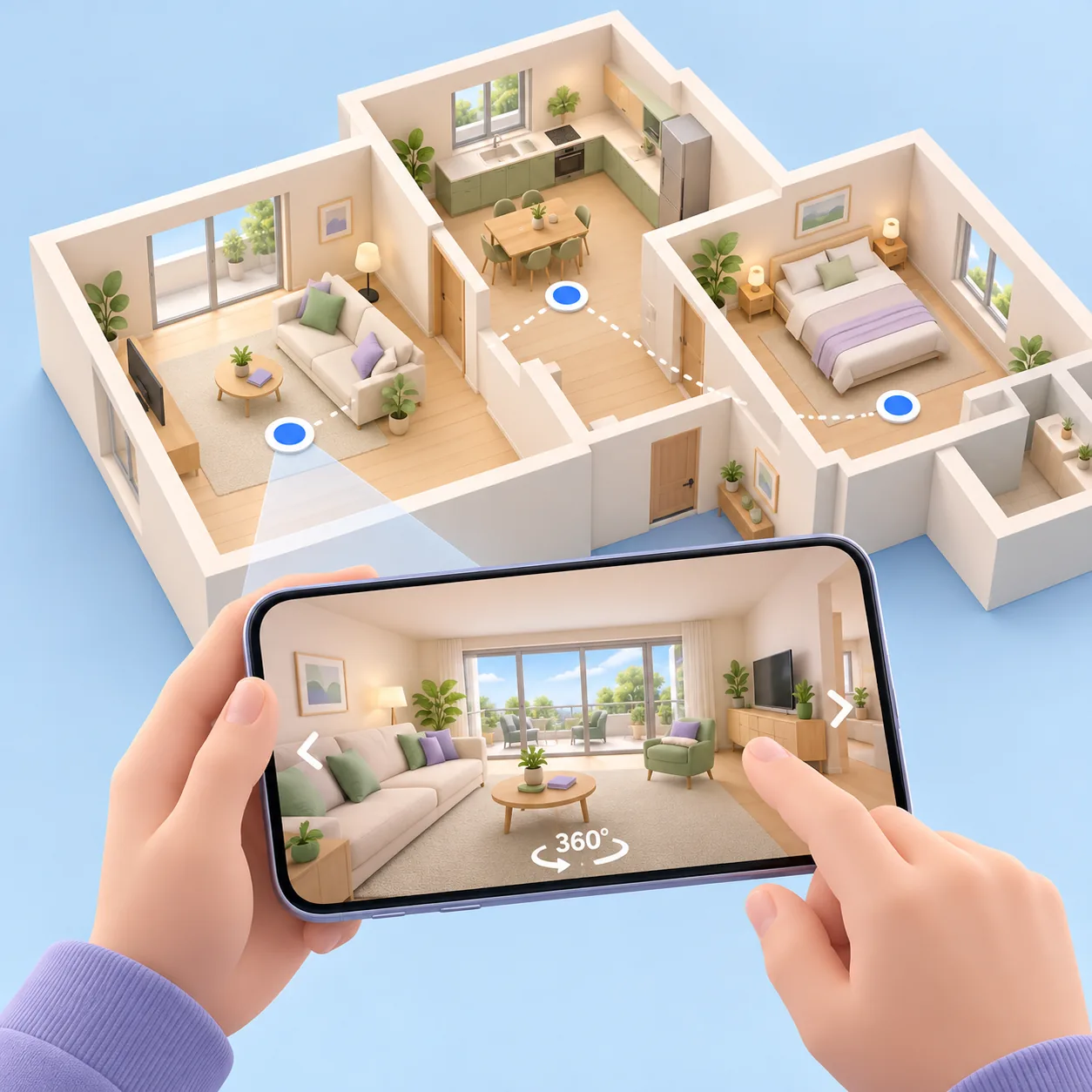
360° viewpoints
With 360° photos or videos, visitors look all around from a fixed point, then move on to the next one. Ideal for a place that already exists.
Formats
One tour, three ways to experience it.
The same 3D content can be explored in whichever format suits the situation, with or without a headset.
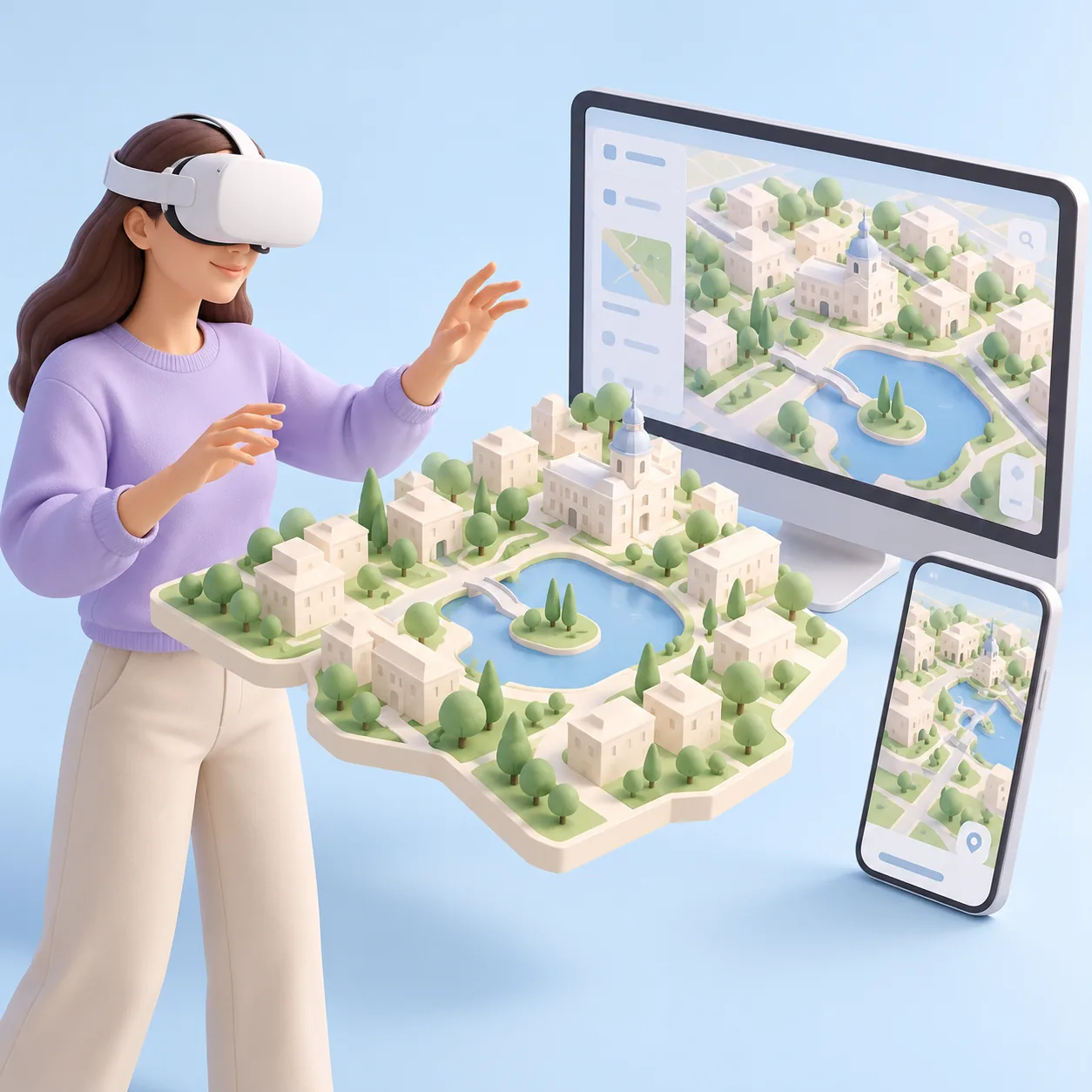
In a VR headset
A standalone headset, with no computer or cables. Visitors move around the place life-size. We recommend the Pico 4 Ultra Enterprise.
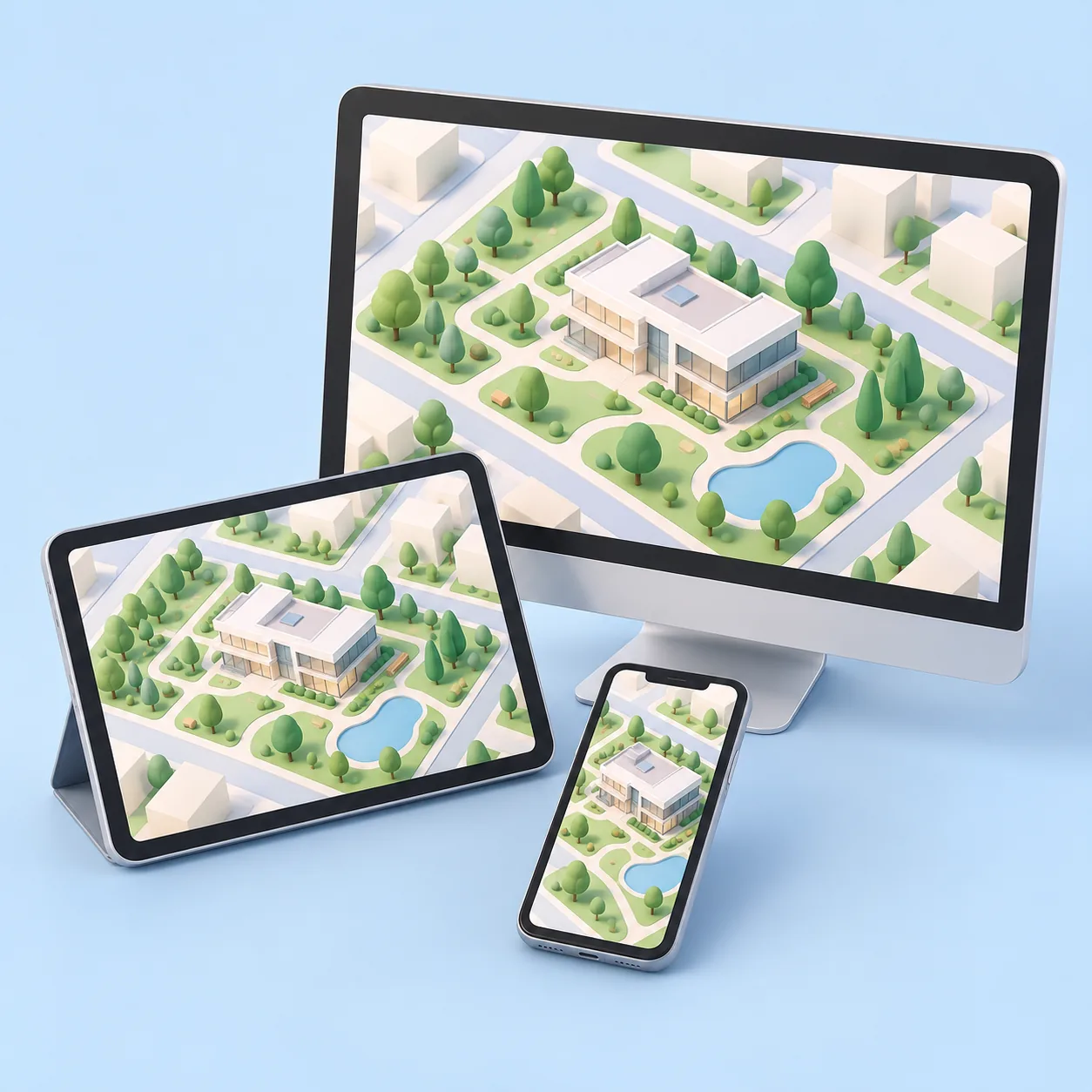
In a browser
The same project without a headset, on a computer, tablet or phone. Share it with a link or a QR code.
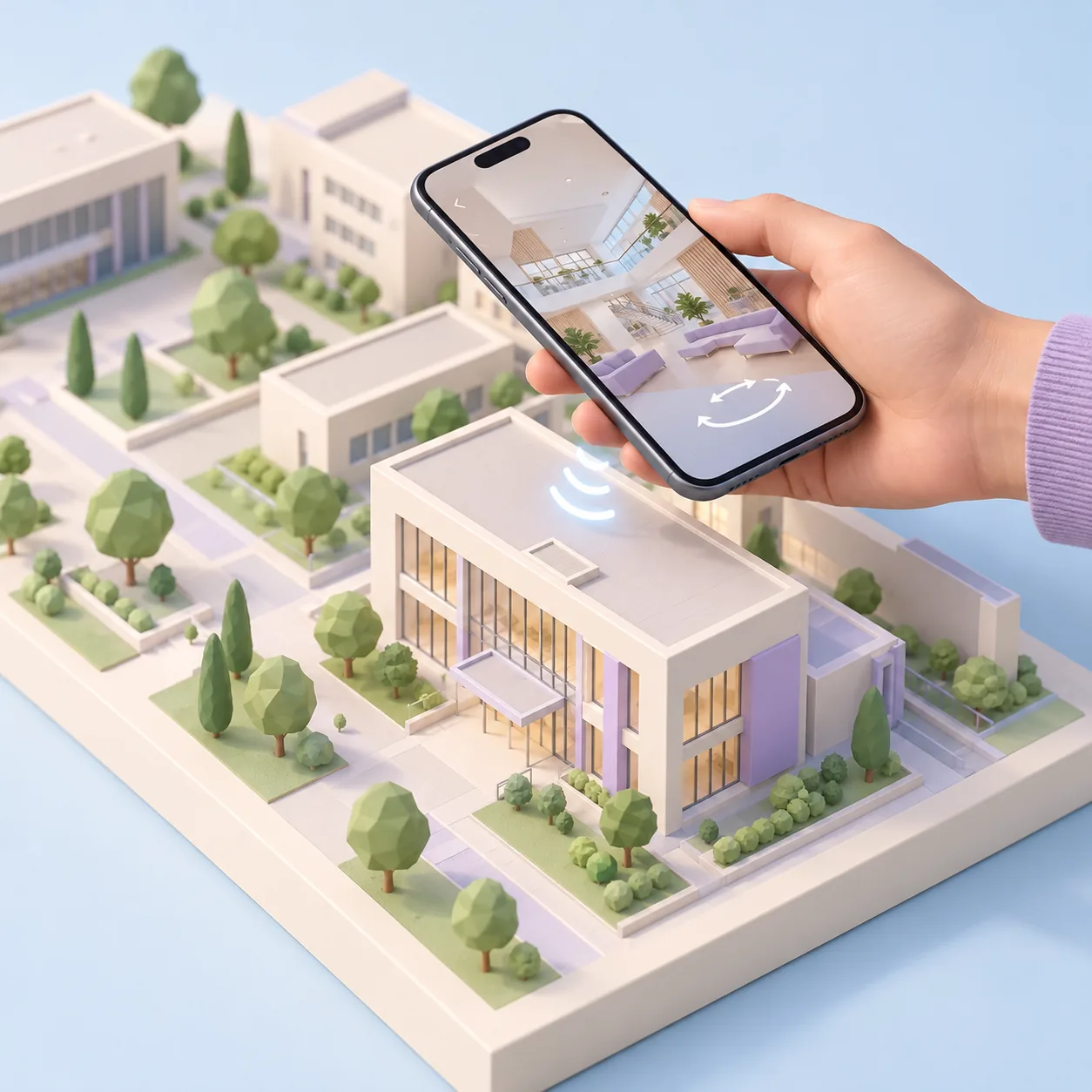
On a connected scale model
A physical scale model fitted with NFC chips. Hold a phone near a building to open its 360° view.
Uses
Whenever the place isn't there yet, or is too far away.
Four situations where a virtual tour makes the difference.
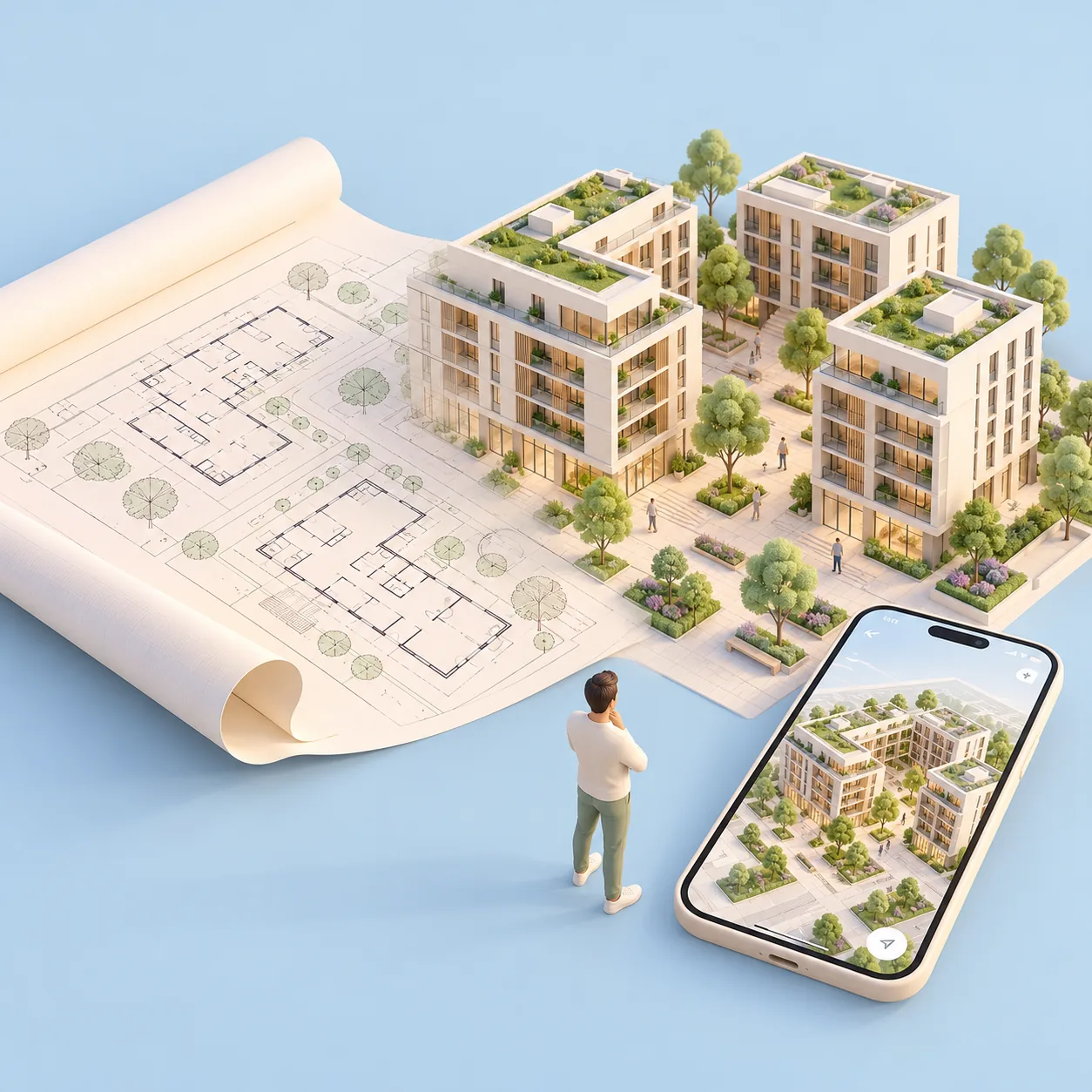
Property
Show buyers round a development before it is built, from the plans stage.
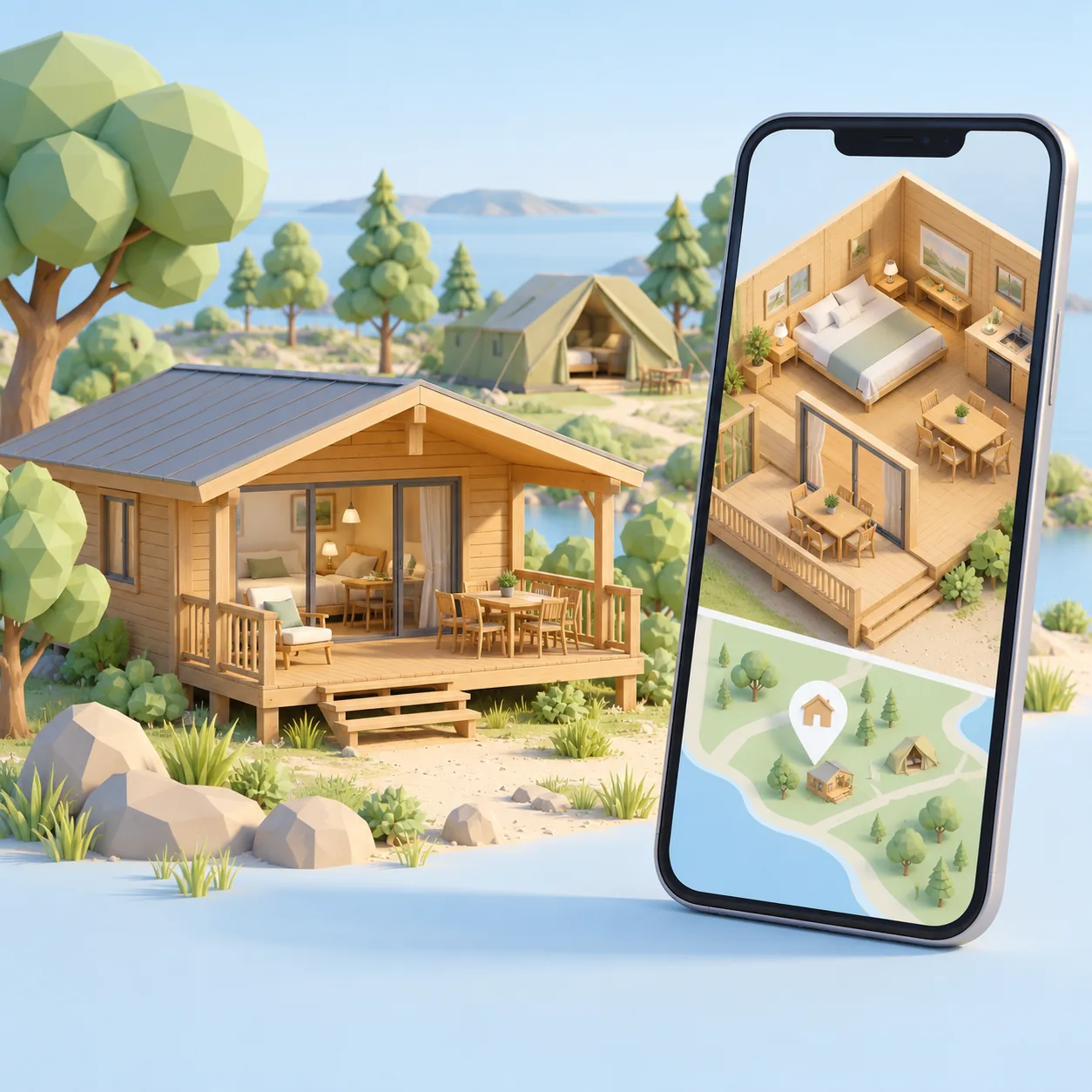
Holiday accommodation
Show rooms, bungalows or unusual stays before guests book.
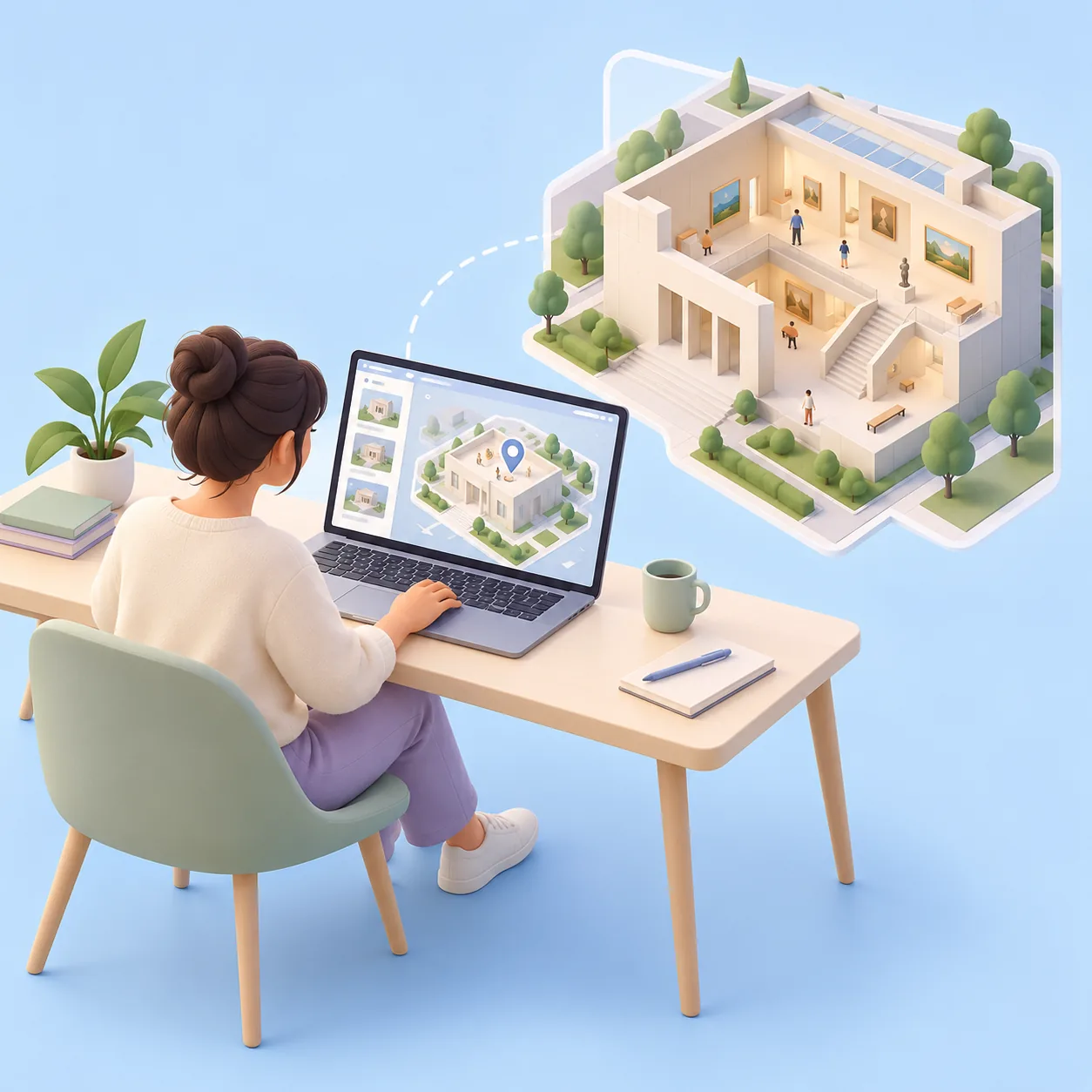
Parks and leisure venues
Make people want to visit with a 360° view or a video of the venue.
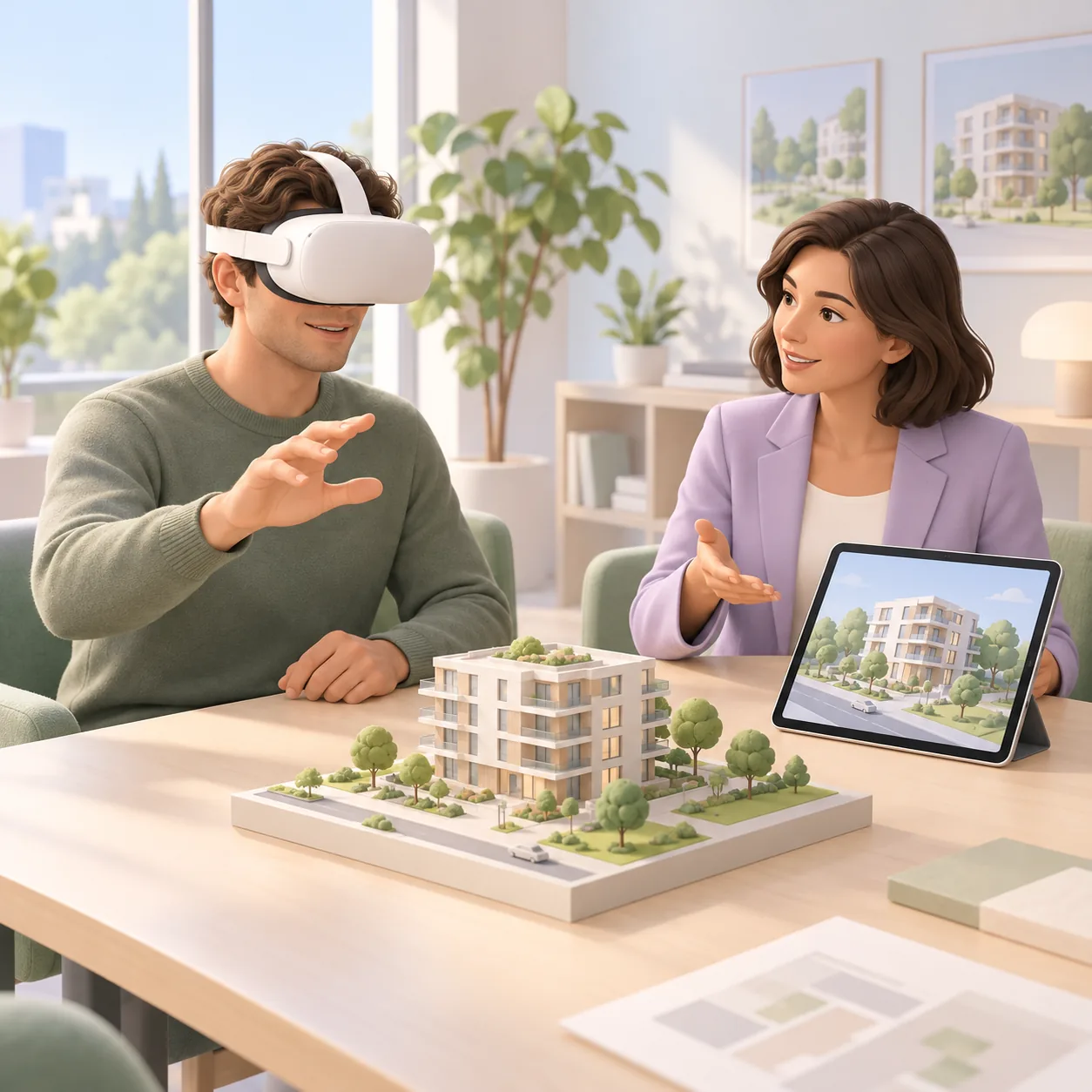
Trade shows and sales suites
Present a project to a client in a headset, guided by a salesperson.
Tailor-made
Build the tour your project needs.
Each building block is chosen separately, to suit your venue and your budget.
3D environments
Your spaces modelled at real scale, ready to explore.
360° views
Immersive panoramas at the key points of the venue.
360° video
An on-site shoot to show an existing place as if you were there.
VR app
An app installed on the headset, ready to launch.
Cartomapix web version
The tour online, no headset needed, shared by link or QR code.
NFC scale model
A physical scale model where each building opens its own 360° view.
Our method
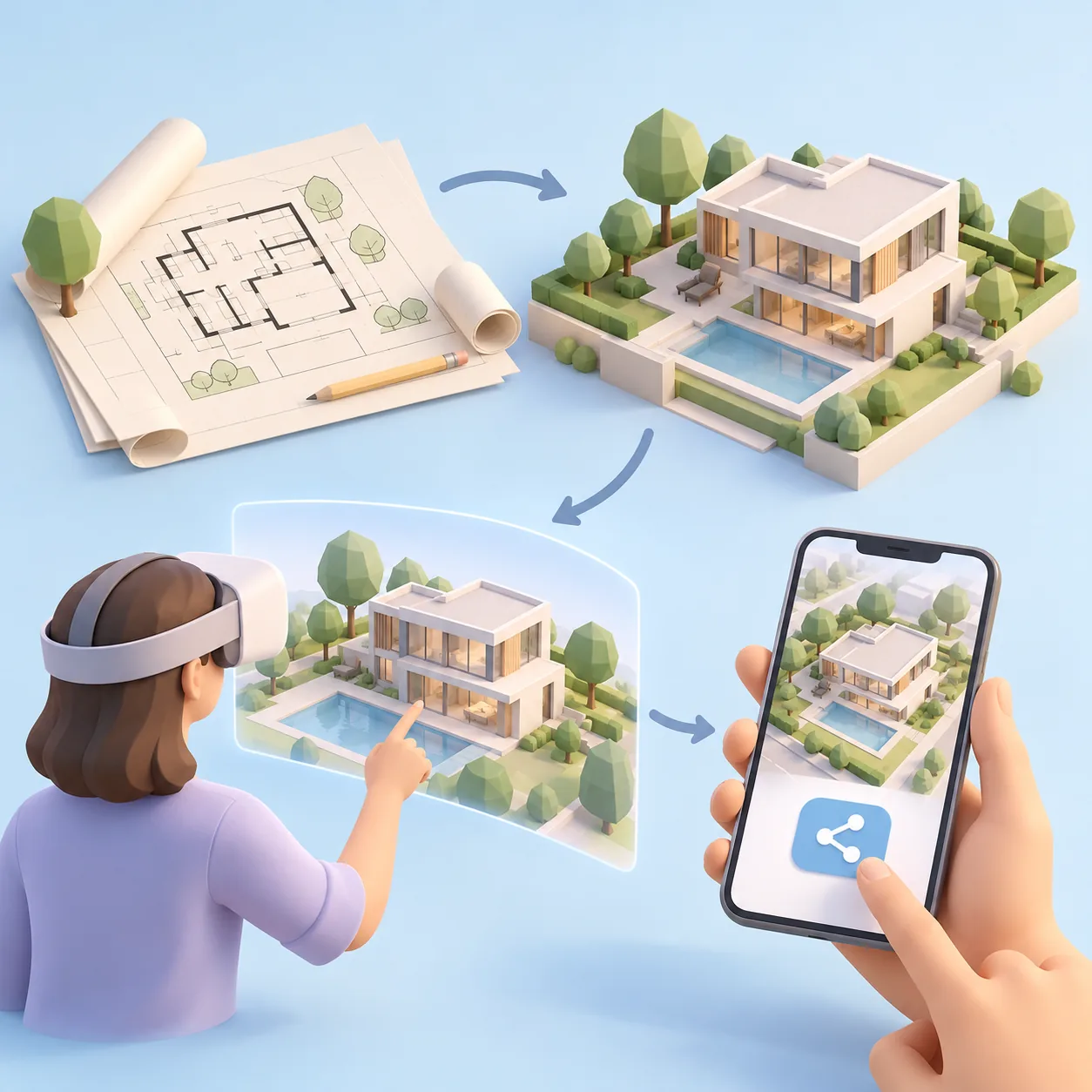
One point of contact, from plans to delivery.
Discussion
Together we define the place, the audience and the formats.
3D creation and filming
Modelling of the spaces, plus 360° photos and videos if needed.
App and web version
The tour is assembled for the headset and for the browser.
Delivery
App, tour link and NFC scale model if included.
Allow around 4 weeks after sign-off, depending on the project.
Frequently asked questions
Before you get started.
Do I really need a headset?
No. The tour also comes as a web version: your clients explore it on a computer, tablet or phone, via a link or a QR code.
Which headset should I choose?
We recommend the Pico 4 Ultra Enterprise: standalone, with no computer or cables. You order it directly yourself.
Can people tour a place that doesn't exist yet?
Yes, it is one of the main uses: the place is modelled in 3D from your plans, at real scale. Example: Theodora City.
And for a place that already exists?
We shoot 360° views and videos on site, then build them into the tour.
How much does it cost?
Every project is priced on a quote, based on the number of environments and 360° views and the options chosen. Write to us describing your venue.
Tell us about your VR project.
Describe the place you want people to tour. We'll get back to you with a clear proposal.